

Accessing Your 2025 Tax Documents
Your 2025 tax forms are available for download from Charles Schwab. If you opted to receive your tax documents by mail, they should arrive soon. Here’s a comprehensive guide to accessing your tax documents and preparing for tax season.
How to Access Your Tax Forms Online
Charles Schwab Client Portal
1. Log in to your Charles Schwab account
2. Navigate to “Account” → “Tax Center”
3. Select the year (2025)
4. Download the forms you need (1099s, 1098s, etc.)
5. Save copies for your records and tax preparer
Alternative Methods
If you have difficulty accessing forms online, you can:
– Call Charles Schwab client service at 1-800-SCHWAB-1
– Visit your local Schwab branch
– Request forms be mailed to you
Understanding Your Tax Forms
Common forms you’ll receive include:
Form 1099-INT: Interest Income
– Reports interest earned on savings accounts and money market funds
– Required if interest exceeds $10
Form 1099-DIV: Dividend Income
– Reports dividends from stocks, mutual funds, and ETFs
– Includes qualified and non-qualified dividends
Form 1099-B: Broker Statements
– Reports proceeds from sales of stocks, bonds, and mutual funds
– Essential for calculating capital gains or losses
Form 1098-T: Education Credits
– If you paid qualified education expenses
Important Deadlines
– Tax documents typically available by January 31
– Tax filing deadline: April 15, 2026
– Estimated quarterly tax payments: June 15, 2026
Next Steps
Once you have your forms:
1. Organize documents by type
2. Gather receipts for deductible expenses
3. Review statements for accuracy
4. Contact your tax advisor or CPA for guidance
Austin Wealth Management can help you coordinate with your tax preparer to ensure all investment and financial information is properly reported. Schedule a consultation to discuss your 2025 tax situation and year-end planning strategies.
More Articles

Trump Savings Accounts
The 2025 passage of the One Big Beautiful Bill Act introduced the Trump Account, a unique custodial investment tool designed to jumpstart savings for young Americans. For nearly three decades, families have relied on 529 plans...
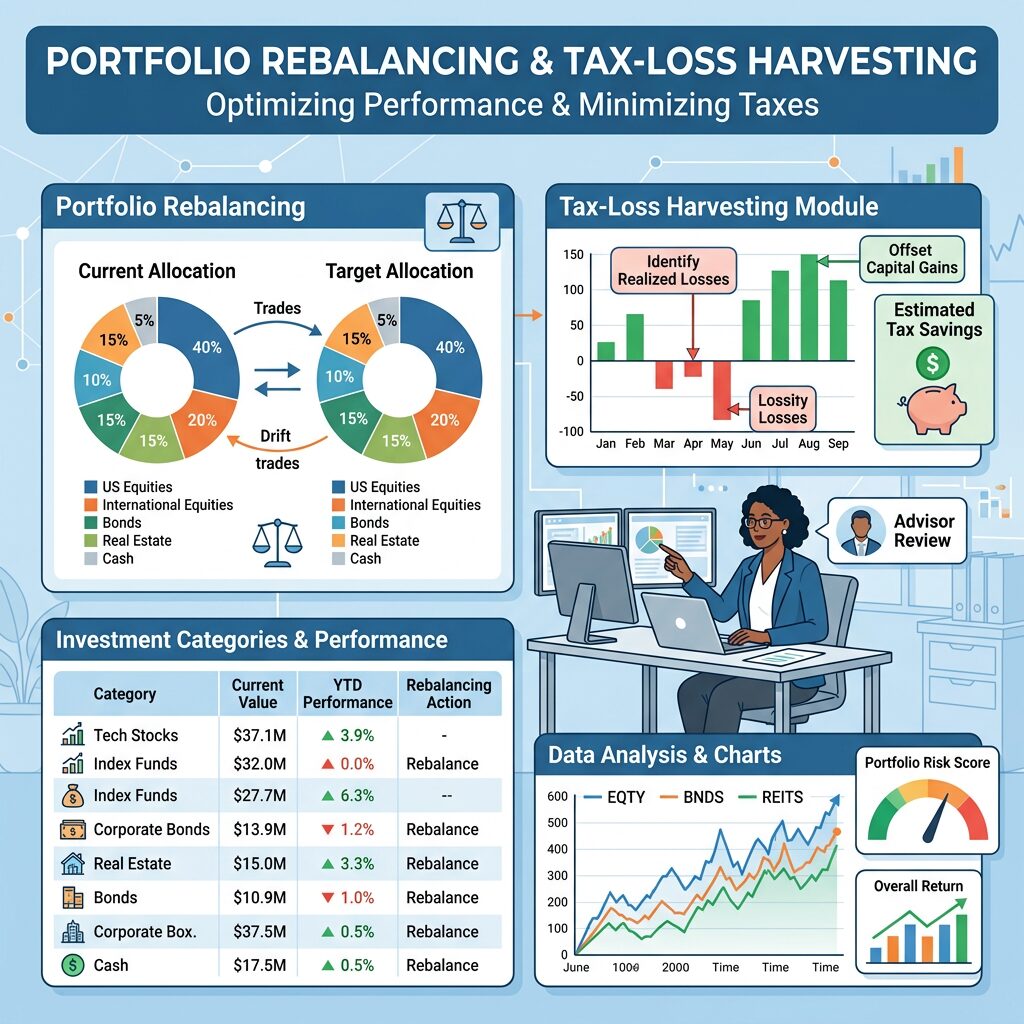
How Portfolio Rebalancing and Tax-Loss Harvesting Help Austin Wealth Management Improve Client Outcomes
Behind every AWM advisor is a dedicated team of investment professionals meticulously looking at each client account and watching for opportunities to improve our clients investment performance...

SpaceX IPO: What Investors Need to Know
SpaceX is going public in one of the largest IPOs in history. Austin Wealth Management breaks down the valuation, the risks, and three investing scenarios — from pre-IPO allocation to long-term index exposure.